From Shoebox to Server Rack: What Actually Happens When Your Video Library Stops Fitting
There's a specific kind of Saturday afternoon that every video collector eventually experiences. You're holding a new 4TB external drive in one hand and a cup of coffee in the other, and you realize you don't actually know which drive contains your 2019 conference footage. Or the raw clips from that documentary interview. Or, honestly, half of what you've saved over the past three years.
That's the inflection point. And most people blow right past it.
The Drive Shelf Is a Lie You Tell Yourself
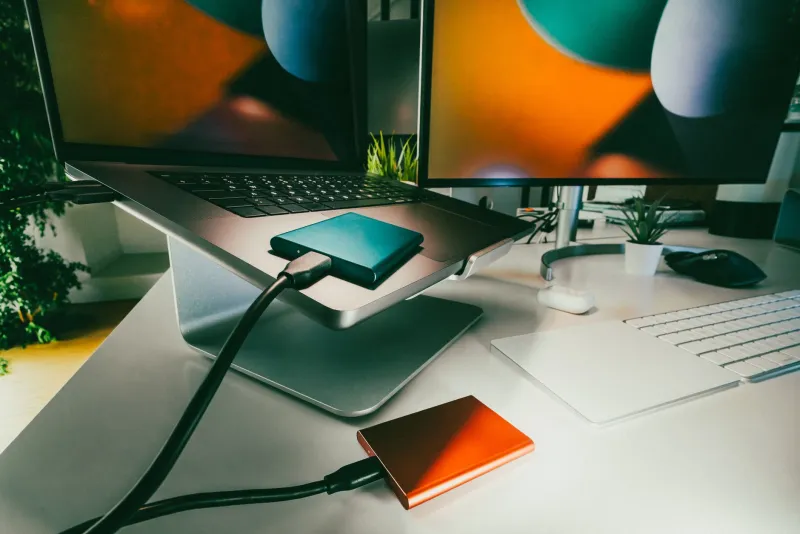
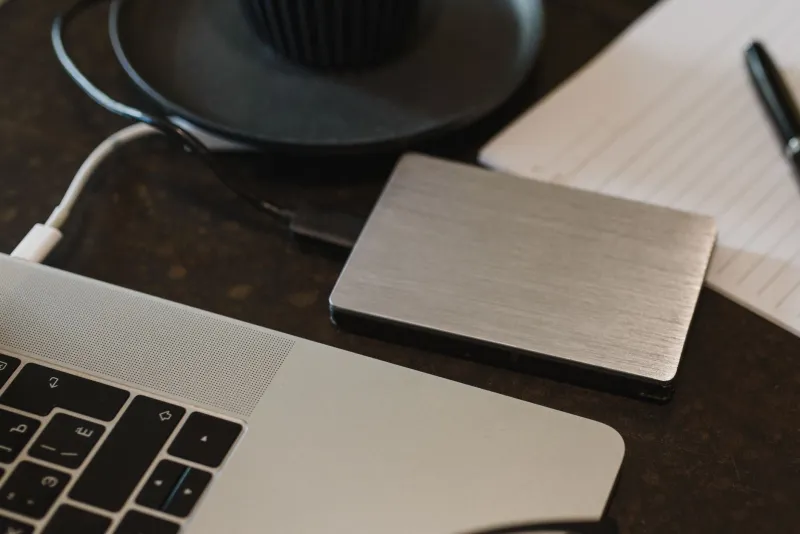
The first phase of collecting is innocent enough. One drive becomes two. Two becomes a little stack on your desk, then a shelf in the closet, each drive labeled in a mix of Sharpie and optimistic shorthand — "FINAL," "BACKUP NEW," "DO NOT ERASE (ASK DAVE)."
This works. Until it doesn't. The problem isn't capacity; it's that a shelf of independent drives has no structure. There's no single view of what you own, no redundancy story, and no way to answer the question "do I already have this?" without plugging things in one at a time like you're defusing a bomb.
Casual hoarding works up to roughly 20 to 30 terabytes. Past that, you're not collecting anymore — you're operating a small, disorganized datacenter and pretending it's a hobby.
Do the Math Before You Buy Anything
Let's talk real numbers, because nobody else will.
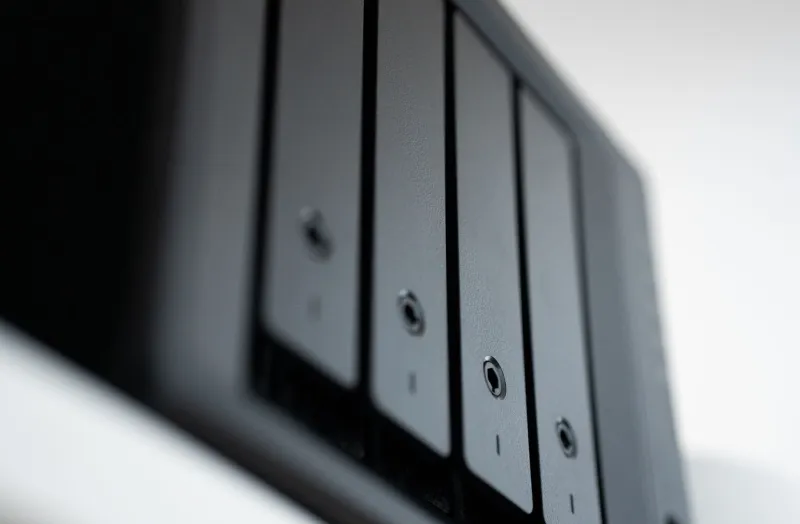
A decent 4-bay NAS enclosure runs $300 to $500 empty. Populating it with four 8TB drives at current prices will set you back another $600 to $800. Add a UPS battery backup — non-negotiable, more on that later — for $100. You're into a proper setup for roughly $1,200 to $1,500.
Compare that to what you're already spending. External drives cost more per terabyte than bare internal drives, and the shelf approach hides that cost because it's spread across two years of impulse purchases at Best Buy. The NAS isn't an upgrade in price. It's an upgrade in honesty.
And the hidden costs matter too. A NAS with four spinning drives draws 30 to 50 watts around the clock. In a state with electricity at 20 cents per kilowatt-hour — hello, California — that's $50 to $85 a year. Not life-changing, but worth knowing before you're surprised.
Noise, Heat, and the Spouse Factor
Here's what the spec sheets don't mention: spinning drives are loud. Not jet-engine loud, but a low, constant hum and the occasional chatter of drive heads that gets very noticeable at 2 a.m. in a quiet house.
Real-world placement advice from people who've been there:
- Not the bedroom. Seriously. Ask anyone who tried.
- Not inside a closed cabinet. Drives run warm, heat kills drives, and cabinets trap heat like a parked car in Phoenix.
- A basement, garage, or home office corner with decent airflow is ideal. Some folks build a small sound-dampened closet shelf; others just accept the hum like a white noise machine.
Heat is the quiet killer. Every 5°C above the sweet spot meaningfully shortens drive life. Ventilated shelf, fans moving air, done.
Power: The Boring Thing That Saves Everything
A UPS — an uninterruptible power supply — is the least glamorous $100 you'll ever spend. Power flickers during a Midwest thunderstorm, and a drive that's mid-write when the lights blink can lose data or corrupt the filesystem. A UPS gives your NAS 10 to 20 minutes to shut down gracefully. That's it. That's the whole job, and it's worth every penny.
Pair that with the classic rule — three copies of anything important, two different types of storage, one copy offsite — and you've gone from "guy with a pile of drives" to someone with an actual system.
When to Stop Hoarding and Start Architecting
You don't need a rack in your basement. Most people never will. But there are clear signals it's time to move from casual to deliberate:
- You can't name where a specific file lives without checking three drives.
- You've bought the same video twice because you forgot you had it.
- Your only backup is one of the other drives on the same shelf.
- You're deleting things you actually wanted to keep just to make space.
Any one of these means the shelf has stopped being a solution. The good news: the leap from shoebox to structured — a NAS or even just two mirrored drives with a proper catalog — is smaller and cheaper than most people fear.
The collection outgrowing your life isn't a problem to avoid. It's a sign you've built something worth protecting. Just make sure the thing protecting it has a plan.