Two Archives, One Weekend: What a $500 Budget Actually Buys Over Free
Money can't buy peace of mind, but it can buy a second hard drive — and in video preservation, that's basically the same thing.
To find out how much a modest budget really matters, we built two archives side by side. The first cost exactly zero dollars, assembled from a retired laptop, free software, and drives pulled out of old machines. The second got a $500 allowance and a shopping list. Then we stress-tested both for a month. The results surprised us.
The $0 Build: Scrap, Free Software, and Stubbornness
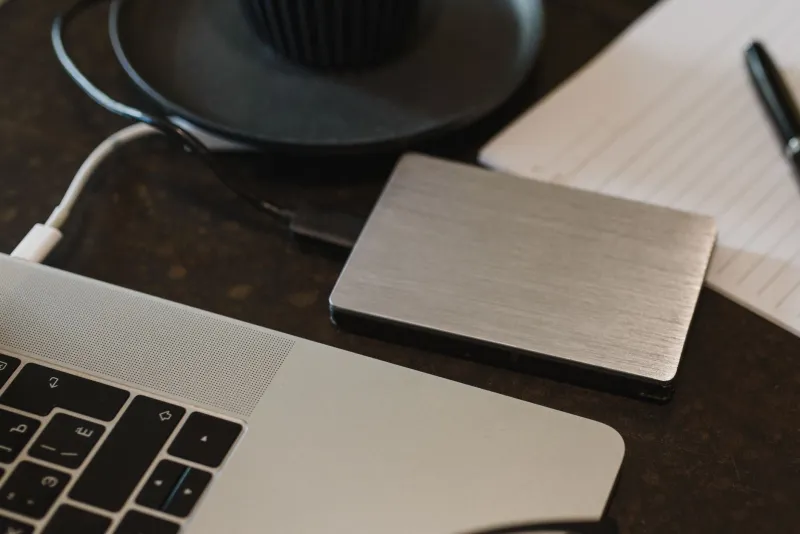
Every household has one: the old laptop that's "too slow" but still boots. That's the heart of the free build. Ours was a 2015 Dell with a 500GB drive pulled from a dead desktop as the main storage, plus a 1TB external drive that had been sitting in a closet since 2019.
The software stack cost nothing:
- HandBrake for transcoding into a durable, widely supported format (H.264 in an MP4 or MKV container)
- ffmpeg for batch conversions and integrity checks
- FreeFileSync for automated backup jobs
- Checksums (via 7-Zip or the command line) to verify files haven't silently corrupted
Total damage: $0. Setup time: about four hours, most of it waiting for transfers to finish.
The catch? Everything lives in one room. A space heater mishap, a burst pipe, or a very determined toddler could take out the whole collection. The free build is a real archive — but a fragile one.
The $500 Build: Where Every Dollar Went
The paid build started with the same philosophy — buy reliability, not shine — and spent like this:
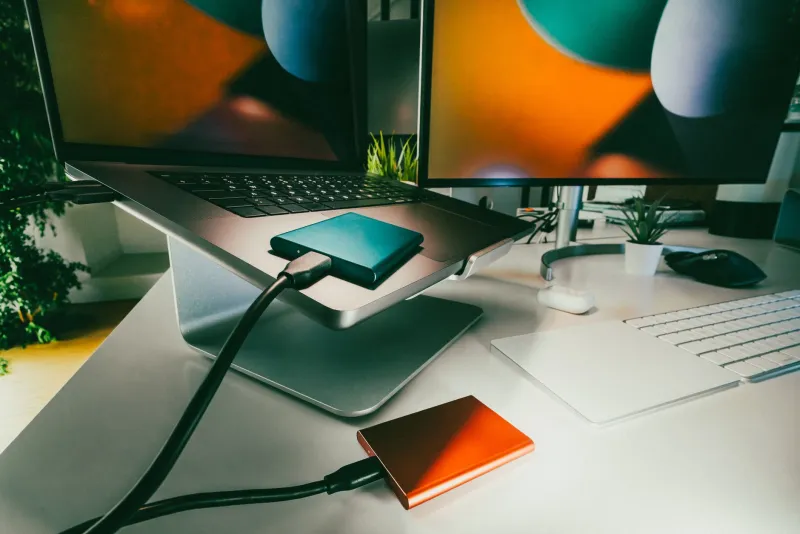
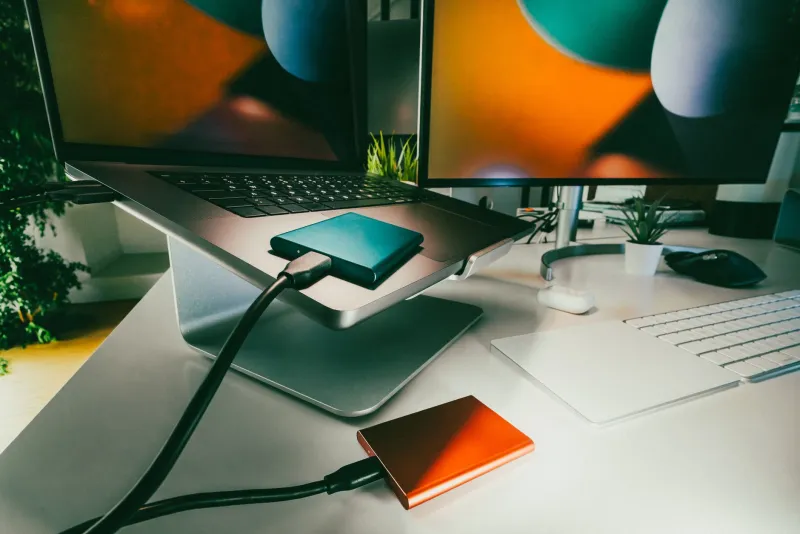
- Two 4TB desktop drives (one working copy, one backup): ~$180
- A 2TB NVMe SSD for the working library and fast transfers: ~$120
- A powered USB hub and quality cables (the unglamorous stuff that kills drives): ~$50
- A small UPS battery backup so power flickers don't corrupt a mid-write file: ~$80
- A fireproof document safe to hold the offline backup drive: ~$70
Total: right around $500, with a few bucks left for a label maker.
The structural difference is the 3-2-1 rule in miniature: three copies, two different types of media, one copy stored away from the computer — in this case, the safe, or better yet, a relative's house across town.
The Month-Long Head-to-Head
We loaded both archives with the same 300GB test library — old livestream VODs, family footage, downloaded tutorials — and put them through the wringer.
Reliability: The paid build won on redundancy, not hardware quality. Free-build drives failed a simulated cable-yank test (corrupted file, caught by checksums). The paid build shrugged off the same abuse because the UPS and powered hub eliminated the two most common failure triggers: dirty power and underpowered ports.
Speed: The SSD made the paid build roughly 4x faster at transfers and checksum verification. If you're archiving weekly, that's hours saved per month. If you archive twice a year, it's irrelevant.
Recovery: This was the real separator. When we deliberately deleted a file, the free build had nothing to restore from. The paid build's offline drive had a clean copy in under a minute.
Effort: Honestly, closer than expected. FreeFileSync and checksum scripts made both setups nearly hands-off after initial setup. Money doesn't automate your archive — habits do.
What the Extra $500 Actually Bought
Strip it down, and the paid build delivered three things the free one couldn't:
- Geographic separation of at least one copy
- Power protection that prevents corruption instead of detecting it
- Fast, painless recovery when something goes wrong
And what it didn't buy: better file formats, better organization, better metadata. A $0 archive with clean folder structure, consistent naming, and verified checksums will outlast a $5,000 pile of chaotically named files every time. The free build matched the paid one on everything that lives inside the drives.
The Verdict
If your video collection is a hobby — a few hundred favorite downloads, some personal footage — the free build, done carefully, is genuinely enough. Add one thing when you can afford it: a second drive that never lives in the same bag or shelf as the first.
If your archive is your livelihood — a creator's back catalog, research material, client work — $500 isn't a luxury, it's insurance with a better payout than most policies. The moment losing your files means losing income, redundancy stops being optional.
The good news? These aren't competing paths. Start at $0 today. Upgrade one drive at a time. Your future self, staring at a dead hard drive, won't care what the receipt said — only whether a second copy exists.