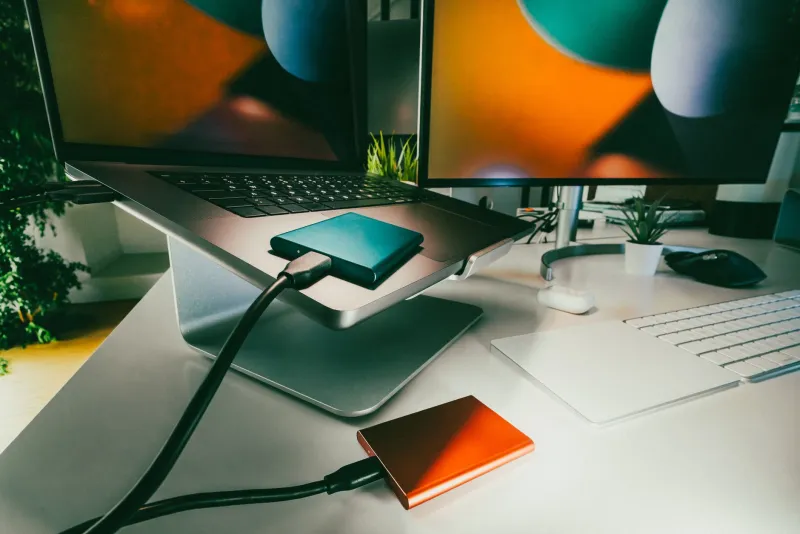
Broke But Bulletproof: How to Build a Real Video Archive for the Price of a Used Textbook
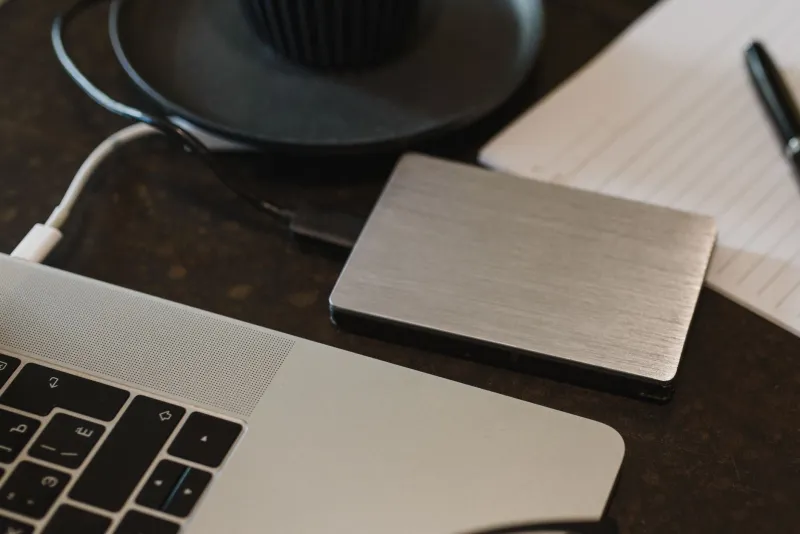
There's a persistent myth in the archiving world that preserving video properly requires enterprise money. You know the pitch: RAID arrays, NAS enclosures, LTO tape drives that cost more than a semester of tuition. It's enough to make a broke student or hobbyist archivist assume the whole game is off-limits.
It isn't. The dirty secret of digital preservation is that the fundamentals — two copies, two locations, verifiable files — cost almost nothing in 2025. What you're really paying for above the baseline is convenience and speed. And convenience is exactly what a ramen-budget builder can afford to skip.
Here's the honest math, tier by tier, plus a shopping list and a weekend setup plan.
The Rules That Don't Cost a Dime
Before we talk hardware, internalize the three free principles that matter more than any gear:
- Two copies minimum, in two physical locations. One drive at your desk, one at a friend's place, a parent's house, or a safety deposit box. Fire, theft, and spilled coffee don't care how nice your primary drive was.
- Copy, don't move. Never let your archive exist as a single instance anywhere in the process.
- Verify with checksums. Free tools like
md5sum,hashdeep, or the excellent open-source Audacity-of-archival pick, Checksums via CyberChef or MD5summer on Windows, let you prove a file hasn't rotted. Verification is what separates an archive from a pile of files.
Everything below builds on that skeleton.
Tier One: Under $100 — The 'Two Drives and a Prayer' Build
This is the floor, and honestly, it's a solid floor.
Shopping list:
- Two used or refurb 2TB–4TB external HDDs (~$30–40 each on eBay, Back Market, or your local Facebook Marketplace)
- One USB-A to USB-C cable set (~$10)
- A cheap surge protector if you don't own one (~$15)
That's it. Roughly $85 all-in.
Software (all free):
- FastCopy (Windows) or rsync (Mac/Linux) for reliable, resumable copies
- MD5summer or hashdeep for checksums
- Everything (the Windows search tool) so you can actually find files later
Setup: Plug drive one into your computer, organize videos into a sane folder structure (/Year/Event/), copy everything to drive two, generate checksum files for both, then hand drive two to someone who lives at least a few miles away. Done. You now have a two-location archive with integrity verification for under a hundred bucks.
Tier Two: Under $300 — The 'Actually Comfortable' Build
This is where I'd point most students and early-career creators. The extra money buys capacity, speed, and a little redundancy inside the archive itself.
Shopping list:
- One refurb 8TB external desktop drive (~$90–110 — check server-pull listings from reputable refurbishers)
- One 2TB SSD (~$100–120) for your working files and active projects
- A Raspberry Pi 4 or used mini PC (~$50–60) — optional but transformative
- Cardboard file boxes + silica gel packs (~$15) for drive storage
Why the split? SSDs for active work, spinning drives for cold storage. HDDs are actually better for long-term archival — they're cheap per terabyte, and data on a powered-off drive isn't degrading the way it would on a failing SSD controller.
The Pi move: Hook the Raspberry Pi to your big drive and you've got a homemade network archive. Run Syncthing (free, open-source) and your laptop's video folder mirrors to the archive automatically. Suddenly your 'backup' happens without willpower — which, let's be real, is the actual bottleneck for most people.
Total: around $280, with change left over for a pizza to eat while the first copy runs.
The Splurge: One Purchase That Changes Everything
If you can only stretch the budget once, spend it on a used enterprise-grade HDD — an 18TB refurbished datacenter drive (~$150–180) — plus a drive dock (~$30) and a second identical drive.
Why? Because per-terabyte, nothing touches refurb datacenter drives. They were built for 24/7 duty, they're usually low-mileage when datacenters rotate them out, and they let you consolidate a sprawling archive onto two big, matched drives instead of a zoo of small externals. Pair that with DrivePool-style folder organization (or just disciplined naming) and you've got an archive that scales for years.
Skip, for now: LTO tape (real, but the drive costs kill you), fancy NAS enclosures (a Pi does 80% of the job), and any subscription whose whole pitch is 'trust us with your files.'
The Weekend Plan: Nothing to Archived in Two Days
Saturday morning: Round up every video you have — phone exports, old downloads, that external drive in the drawer. Dump it all into one staging folder. Don't organize yet.
Saturday afternoon: Delete obvious junk (blurry duplicates, corrupted clips), then sort into /Year/Source/Event folders. Rename files so they mean something: 2024-03-recital-final.mov, not VID_0042.mov.
Saturday night: Copy everything to drive one. Run checksums. Go to bed.
Sunday morning: Copy everything to drive two. Run checksums again. Compare them against Saturday's — they should match exactly.
Sunday afternoon: Drive two goes in a padded box with a silica pack, then into a different building. Write a one-page 'archive readme' — what's on the drives, how the folders are organized, what the checksum files are for. Save it on both drives.
That readme sounds trivial. It's not. In five years, you will be a stranger to this archive, and future-you needs the map.
The Real Takeaway
Preservation culture loves to gatekeep with gear talk, but the institutions doing serious archival work would tell you the same thing: the boring stuff — copies, checksums, labels, distance between drives — does 95% of the protective work. A $300 setup executed consistently beats a $3,000 setup you never maintain.
Start this weekend. Your future self, staring down a deleted channel or a dead drive, will be very glad you did.