After the Final Upload: Making Sure Your Video Library Outlives You
Nobody wants to think about it. You spent a decade building a video library — hundreds of uploads, terabytes of raw footage, projects that took pieces of your life — and the default plan for all of it is... nothing. When a creator dies or becomes incapacitated, the archive usually goes dark. Not because platforms are cruel, but because nobody was ever told what to do.
This isn't a morbid thought experiment. It's the last piece of digital preservation most of us skip.
What Actually Happens When a Creator Logs Off for Good
Ask around in creator communities and the stories pile up fast. A YouTube channel with nine years of tutorials goes silent because the family can't access the associated email. A Twitch streamer's VOD library — thousands of hours — expires on schedule because no one knew the retention window existed, let alone how to save it. A spouse finds an external drive full of folders with names like "final_final_v3" and no idea what any of it is.
The platforms don't help much. Google has an Inactive Account Manager, and Meta lets you name a legacy contact, but neither hands over credentials, and neither covers the half of your digital life that lives outside their walls. Local drives, NAS boxes, cloud storage accounts billed to a personal credit card — those are invisible to any platform policy.
The result is the same over and over: the work survives on someone's drive somewhere, but the person who could have curated, published, or archived it properly never gets the chance.
Your Library Needs a Custodian, Not Just a Will
Here's the practical part. A traditional will can take months to move through probate, and most executors have no idea how to handle a multi-terabyte video archive. What your library actually needs is a named custodian — a person (or people) with the access and the instructions to act quickly.
That means three things, and all three can be set up in a weekend:
1. Written instructions, stored where they'll be found. A plain document — digital or on paper in a safe — that lists what you have, where it lives, and what you want done with it. Do you want the channel memorialized? The archive uploaded to a preservation service? Handed to a collaborator? Deleted? Say so. Ambiguity is what kills archives.
2. Secure credential access. Never put passwords in a will — wills become public record in most states. Use a password manager with an emergency access feature (1Password, Bitwarden, and Dashlane all offer one), or a service like Everplans or Trust & Will that's built for exactly this. Your designated person gets access only when it's needed.
3. A custodian who knows they're the custodian. This sounds obvious, but it's the step people skip. Have the conversation. A backup drive your sister doesn't know exists is a drive headed for an e-waste bin.
Why Local Backups Are the Kindest Thing You Can Leave Behind
Platform accounts are fragile things in an estate context. Access can be locked after inactivity, tied to a phone number that's been disconnected, or caught in a verification loop your heirs can't break. Files you hold locally don't have those problems.
This is where the 3-2-1 habit stops being a tech tip and becomes an act of generosity. Three copies of your archive, two different types of storage, one copy off-site. If your custodian can plug in a drive and open a folder that just works — clearly labeled, with a readme explaining the structure — you've given them a gift that no login reset ever will.
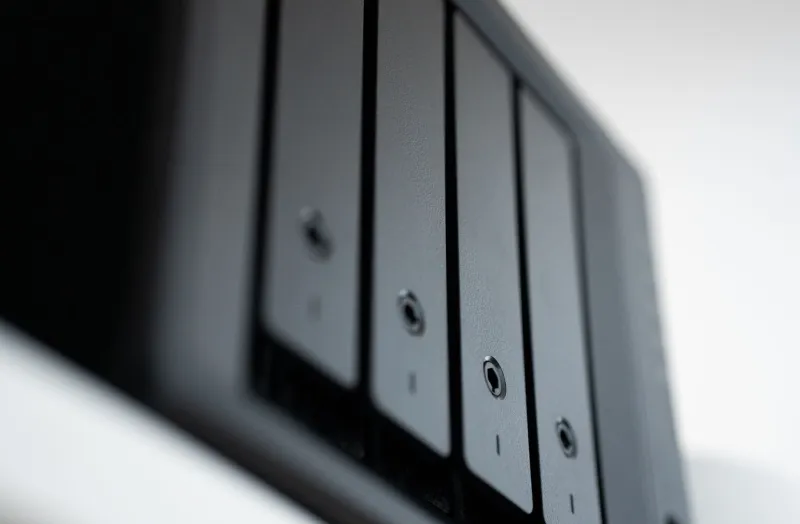
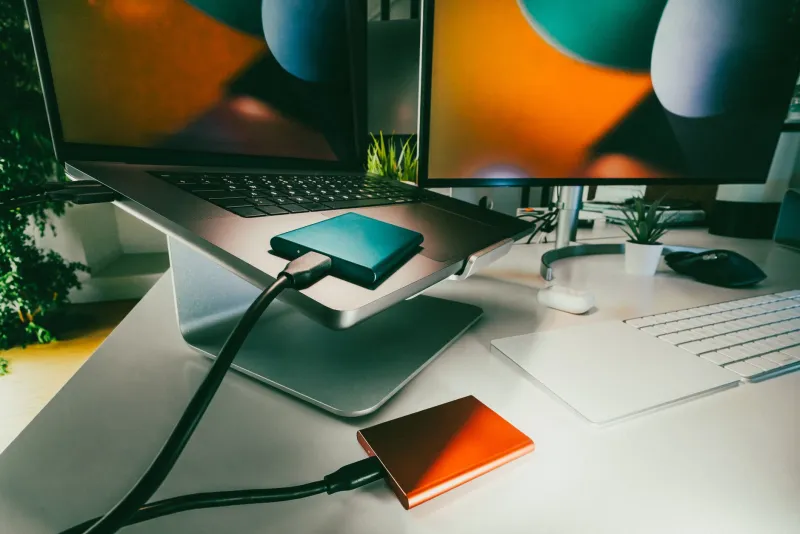
Consider a dedicated "estate drive": a single external SSD or small NAS that holds your finished archive, the project files you'd want preserved, and that instruction document. Update it once a year. Put a label on it with your custodian's name. It's unglamorous, and it's exactly the kind of thing that separates the archives that survive from the ones that don't.
Talk About It Before It's a Emergency
The creators who've had to untangle a lost archive all say the same thing: they would have traded anything for one honest conversation. So have it. Tell your person what the library means to you, what's worth saving, and what can go. Walk them through the drives. Show them how the download archive is organized.
Your video work is the record of years of your life. Planning its handoff isn't dwelling on the end — it's the final act of preservation, and the one only you can do. Save the files. Save the instructions. Save someone you love from having to guess.