Codec Roulette: How to Future-Proof Your Video Archive Before Your Files Become Unplayable
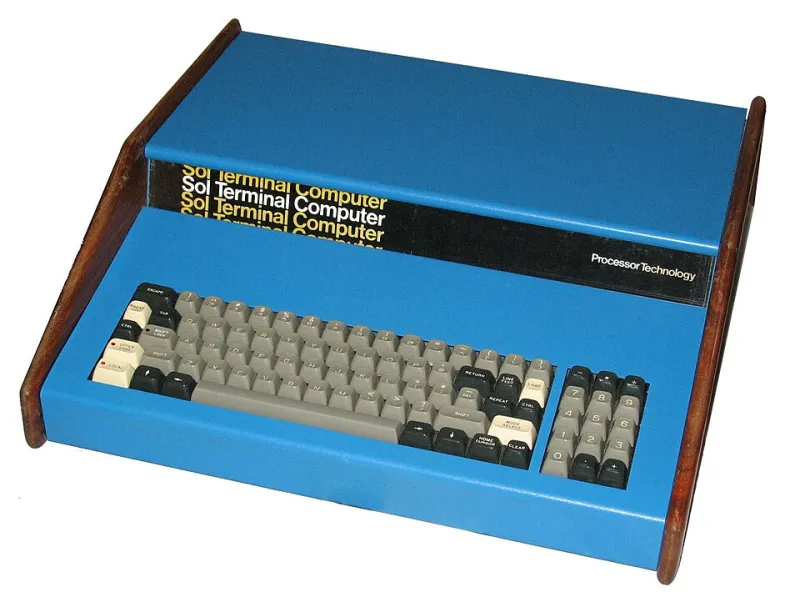
Photo: Swtpc6800 en:User:Swtpc6800 Michael Holley, Public domain, via Wikimedia Commons
Remember Flash? If you saved video content in the early 2000s — tutorials, indie animations, gaming clips — there's a real chance some of it is now locked inside .swf or .flv files that most modern machines won't touch without a serious workaround. That's not a hypothetical horror story. It's already happened to thousands of personal archives, and the same fate is quietly creeping toward formats that feel completely normal today.
The uncomfortable truth is that downloading a video is only step one. What you do after you save it determines whether it's still watchable in 2035.
The Graveyard of Formats Past
Video formats don't die dramatically. They fade. One day a major browser drops support. Then hardware manufacturers stop building in native decoding. Then the software that used to open them stops receiving updates, and eventually stops running on modern operating systems entirely.
Flash is the most famous casualty, but it's far from alone. RealMedia (.rm, .rmvb) was once ubiquitous for streaming video in the late '90s and early 2000s. Windows Media Video (.wmv) dominated early PC video libraries and is now increasingly orphaned outside Windows-native environments. DivX and Xvid, the formats that powered a whole generation of downloaded movies, require codec packs that get harder to maintain every year. And proprietary containers tied to specific cameras or editing platforms — like older versions of AVCHD or certain GoPro variants — can become unplayable the moment the manufacturer stops updating their software.
The pattern is consistent: formats tied to a single company, a single era, or a single piece of hardware are the ones that eventually strand your content.
Auditing What You Actually Have
Before you can fix anything, you need to know what you're working with. If your archive has grown organically over the years — saved from different sites, tools, and time periods — there's a good chance it's a format patchwork.
Start with a bulk media analysis tool. MediaInfo (free, cross-platform) lets you inspect the codec, container, bitrate, and resolution of any video file without opening it. For larger collections, MediaInfo CLI can batch-process entire folders and export reports. What you're looking for is a breakdown of which containers and codecs appear across your library.
Group your findings into three rough buckets:
- High risk: Flash-based formats, RealMedia, older WMV, proprietary camera containers, anything you can't open without hunting for a legacy codec pack
- Watch list: Older MP4 variants with less common codecs (like older MPEG-4 Part 2 instead of H.264), MKV files with unusual audio tracks, or anything encoded with a codec that hasn't received updates in several years
- Stable: Modern H.264 or H.265 in MP4 or MKV containers, VP9 in WebM, AV1 in modern containers
This audit isn't a one-time exercise. Formats that are stable today can shift to the watch list as the industry moves forward. Building an annual check into your archiving routine is worth it.
What "Future-Proof" Actually Means
No format is immortal, but some are significantly more durable than others. The characteristics that make a format resilient are worth understanding:
Open standards beat proprietary ones. Formats developed and maintained by open standards bodies — like the WebM project or the MPEG consortium — tend to outlast formats controlled by a single company. When a company discontinues a product, its proprietary format often dies with it.
Widespread adoption creates a safety net. H.264 in an MP4 container is playable on virtually every device made in the last fifteen years. That ubiquity means the ecosystem around it — hardware decoders, software players, online tools — will stay active for a long time simply because too many people rely on it.
Lossless or high-quality masters preserve options. If you have the storage, archiving a high-bitrate or lossless version of important content gives you the flexibility to re-encode into whatever the dominant format becomes in twenty years. Archiving a heavily compressed low-resolution copy leaves you stuck.
For most personal archives, H.264 in MKV or MP4 is the current gold standard for accessibility and compatibility. For content you care deeply about preserving at maximum quality, FFV1 in an MKV container is the archival standard used by libraries and cultural institutions — it's lossless, open-source, and built specifically for long-term preservation.
Building a Migration Strategy That Doesn't Eat Your Weekends
The thought of re-encoding an entire video library sounds brutal. But a smart migration strategy doesn't require doing everything at once.
Triage by risk, not by volume. Start with your high-risk bucket. Those are the files most likely to become unplayable soon, and addressing them first protects the content that matters most.
Use FFmpeg for batch conversion. FFmpeg is free, open-source, and handles virtually every format in existence. A basic command like ffmpeg -i input.flv -c:v libx264 -c:a aac output.mp4 will re-encode a Flash video into a modern H.264 MP4. With a simple batch script, you can process entire folders overnight.
Keep originals until you've verified the conversion. Don't delete source files until you've confirmed the new version plays correctly and the quality is acceptable. A redundant copy during the transition window has saved more than a few archives.
Document what you did. A simple spreadsheet or text file logging which files were converted, from what format, with what tool and settings, is genuinely useful when you revisit your archive years later.
Set a calendar reminder for annual reviews. The codec landscape shifts slowly enough that once a year is sufficient. Check in on which formats are gaining traction, which are losing support, and whether anything in your watch list has moved to high risk.
The Bigger Picture
Saving video is an act of preservation — whether you're archiving your own creative work, documenting cultural moments, or just holding onto content you care about. But the act of saving only matters if the saved content stays accessible.
The platforms that originally hosted your content will change their policies, sunset their features, or disappear entirely. That's exactly why you saved the video in the first place. Don't let format obsolescence finish the job the platforms started.
A little proactive planning now — an audit, a migration workflow, an annual check-in — is the difference between a video archive that lasts decades and a hard drive full of files nobody can open. Your content is worth more than that.