Ghost Files: The Hidden Metadata Your Downloads Are Missing and Why It Matters More Than You Think
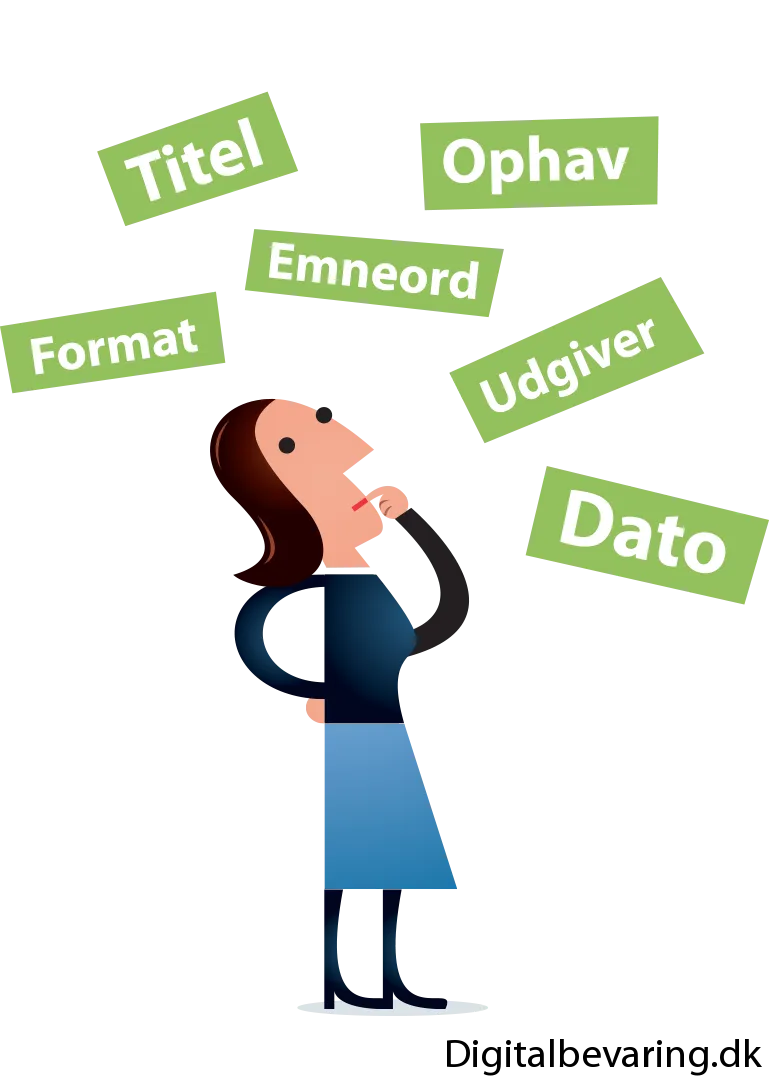
Photo: Jørgen Stamp, CC BY 2.5 dk, via Wikimedia Commons
You hit save. The progress bar fills up. The file lands on your hard drive, and you feel that quiet satisfaction of knowing the video is yours now — safe from platform takedowns, algorithm shifts, and whatever policy update is coming next Tuesday.
Except it's not really safe. Not completely.
What you've got is a shell. The footage is there, sure, but everything that made that video mean something — the upload date, the original description, the creator's name, the comment thread, the tags, the thumbnail — most of that is gone. You saved the body and left the soul behind.
This is the metadata problem, and it's one of the most overlooked gaps in how people approach video archiving.
What Metadata Actually Is (And Why It's Not Optional)
Metadata is the information about your video rather than the video itself. Think of it like the label on a box. Without it, you've got a sealed container with no idea what's inside, when it was packed, or who sent it.
For a downloaded video, that label includes things like:
- Upload date and time — critical for establishing timeline and context
- Original title and description — often contains sourcing, credits, and intent from the creator
- Channel or creator information — who made this and where it lived
- Tags and categories — how the platform classified the content
- View count and engagement stats — a snapshot of how the content was received
- Comments — sometimes the most historically significant part of a video, especially for news events or cultural moments
- Thumbnail — the visual identity the creator chose for the work
- Subtitles and captions — accessibility data that took real effort to produce
For casual watching, none of this matters much. But if you're a content creator archiving your own catalog, a researcher building a documentary record, or a digital archivist preserving cultural material, losing this layer is a serious problem.
Imagine pulling up a video five years from now and having no idea when it was posted, what platform it came from, or what the creator said it was about. That's not preservation — that's just hoarding files.
Where the Context Gets Lost
The loss usually happens in one of two places: at download time, or during file organization afterward.
Most basic download tools — browser extensions, simple online converters — grab the video stream and nothing else. They're built for convenience, not archival fidelity. The metadata was never a priority in their design.
Even when tools do pull some metadata, it often gets embedded inconsistently or dropped entirely when you move files around, rename them, or convert them to a different format. A rename that seems harmless can wipe out embedded tags. A format conversion that "preserves quality" can silently strip the metadata fields your archival workflow depended on.
The result is a folder full of video files with names like download_1847.mp4 and zero context for what any of them are.
Tools That Actually Capture the Full Record
The good news is that purpose-built archival tools handle this significantly better than quick-grab utilities.
yt-dlp is the gold standard for serious video archiving, and it does a lot more than just download footage. With the right flags, it will pull the video, the thumbnail, the description, the subtitles, the comments, and a JSON file containing the full metadata record — all automatically, all organized together. The --write-info-json, --write-description, --write-thumbnail, and --write-comments flags are your best friends here. Run them together and you get a complete documentary package instead of a bare video file.
MediaInfo is worth keeping around as a verification tool. After a download, you can run your file through it to confirm what metadata was actually embedded versus what might have been lost in transit.
For creators archiving their own YouTube content specifically, Google Takeout is underused and underappreciated. It exports your entire channel's worth of metadata — including watch history, upload dates, and descriptions — in a structured format you can pair with downloaded video files for a comprehensive archive.
Building a Workflow That Keeps Everything Together
Having the right tools is only part of it. The real work is building a consistent process so metadata never gets separated from its video in the first place.
A few principles that hold up well in practice:
Keep everything together in one folder per video. When you download a piece of content, create a dedicated folder for it — not just a file. That folder holds the video, the thumbnail, the JSON metadata file, the description text file, and any subtitles. If they all live together, they stay together.
Name files consistently and descriptively. yt-dlp has a template system (--output) that lets you auto-name files using the video title, upload date, and channel name. Using something like %(uploader)s - %(upload_date)s - %(title)s.%(ext)s gives you filenames that are self-documenting even without opening the metadata files.
Archive the URL. This sounds almost too simple, but saving the original source URL in a plain text file alongside your download costs nothing and can be invaluable later. Even if the original page is gone, the URL tells you where the content lived and can help with attribution or verification.
Don't convert unless you have to. Every time you run a video through a converter, you risk losing embedded metadata. If you need to transcode for playback compatibility, do it on a copy and keep the original intact.
The Comment Thread Problem
This one deserves its own callout because it's so consistently overlooked.
For a lot of historically significant video content — news footage, political speeches, viral cultural moments — the comment section is part of the record. It shows how real people responded in real time. That's valuable context that disappears when a video gets deleted or a channel gets nuked.
yt-dlp's --write-comments flag captures these, but be aware that comment scraping can be slow on high-engagement videos and platforms sometimes rate-limit it. Build that into your workflow expectations, and consider prioritizing comment capture for content where public reaction is part of the historical story.
Metadata Is the Difference Between an Archive and a Junk Drawer
There's a version of video preservation that's really just panic-downloading — grabbing files before they disappear and hoping for the best. And there's a version that's actual archival work: capturing the full documentary record, keeping context intact, and building a collection that's genuinely useful five, ten, or twenty years from now.
The difference usually comes down to metadata.
Next time you save a video, ask yourself: if someone found this file with no other information, would they know what it was, where it came from, and why it mattered? If the answer is no, you've only done half the job.
The footage is just the beginning. The context is what makes it worth keeping.